A training journal built for the moment between sets.
Mobile-first training journal
Live
Log workouts without a connection
Offline
Plans, set logging and training history
Progress
Independent product · designed and built for mobile use between sets.
Case overview
Built for the moment between sets.
Mid-workout you have chalky hands, a rest timer running and about ten seconds of attention. Kinset is designed around that moment: what to lift next, what you lifted last time, and one tap to record it. Everything else can wait until you are done.
Project
Independent product, live preview
My role
Concept, product design, brand, front end and backend
Built with
React · TypeScript · Vite React Three Fiber · Supabase · Vitest
Platform
Mobile-first web app, installable, works offline
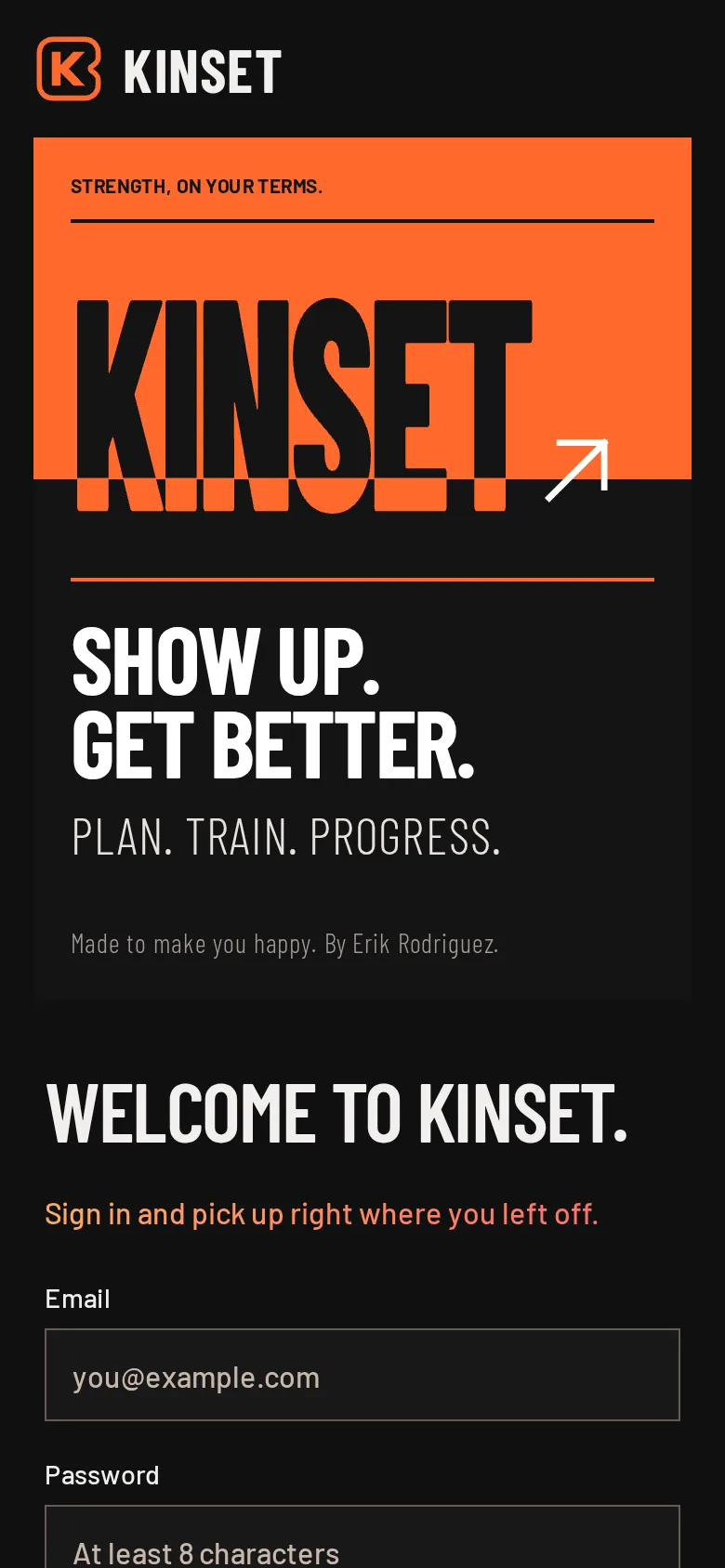
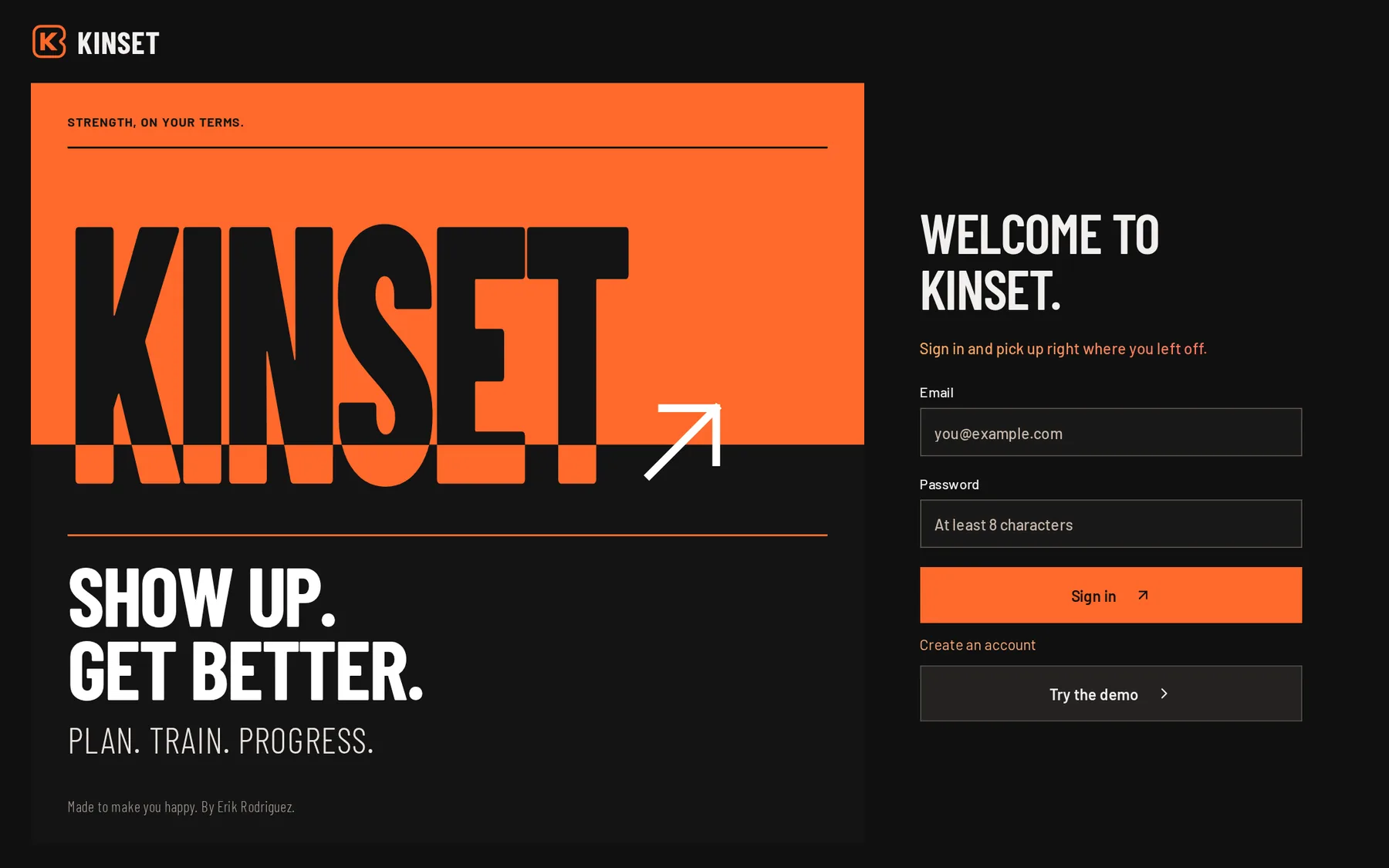
The welcome. One word, split by the orange.
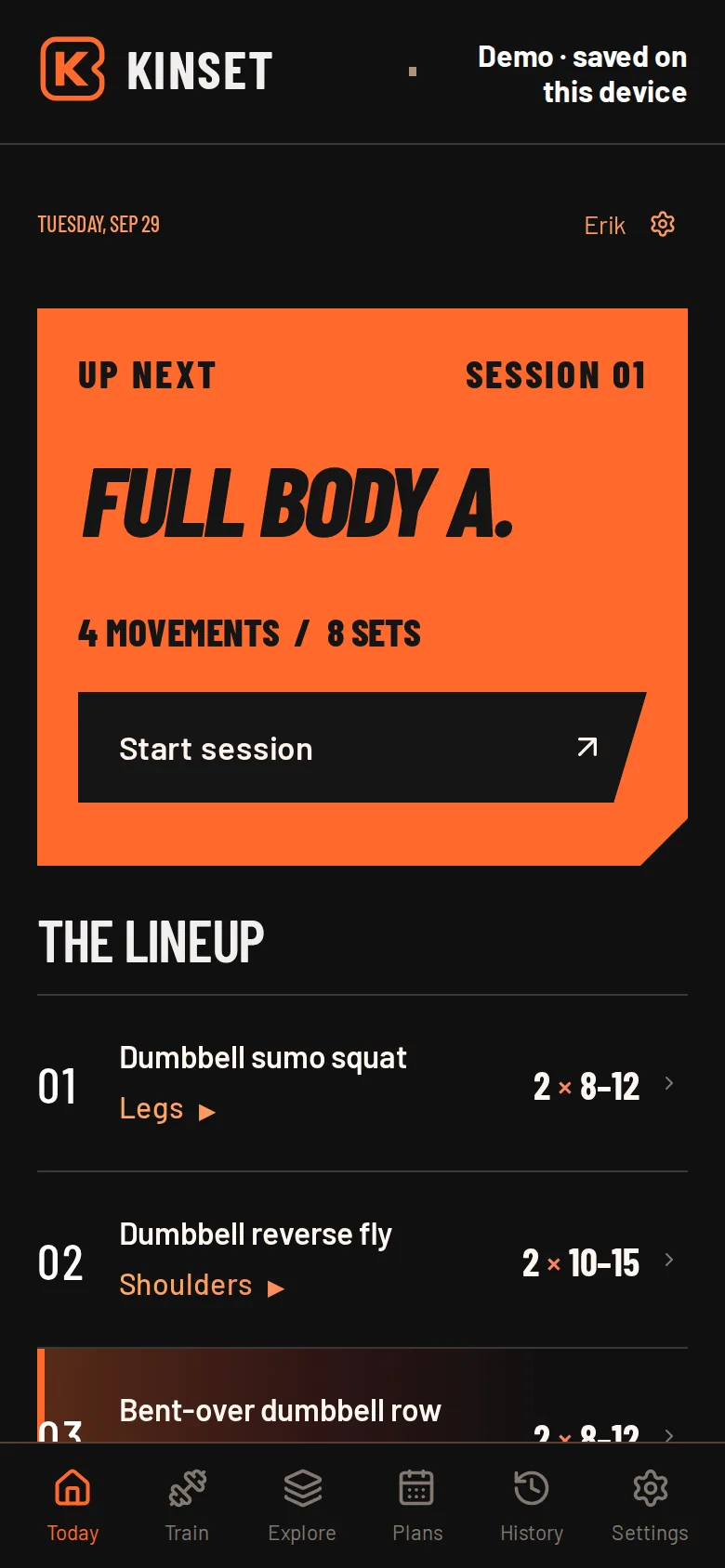
Today. The next session is the loudest thing on screen.
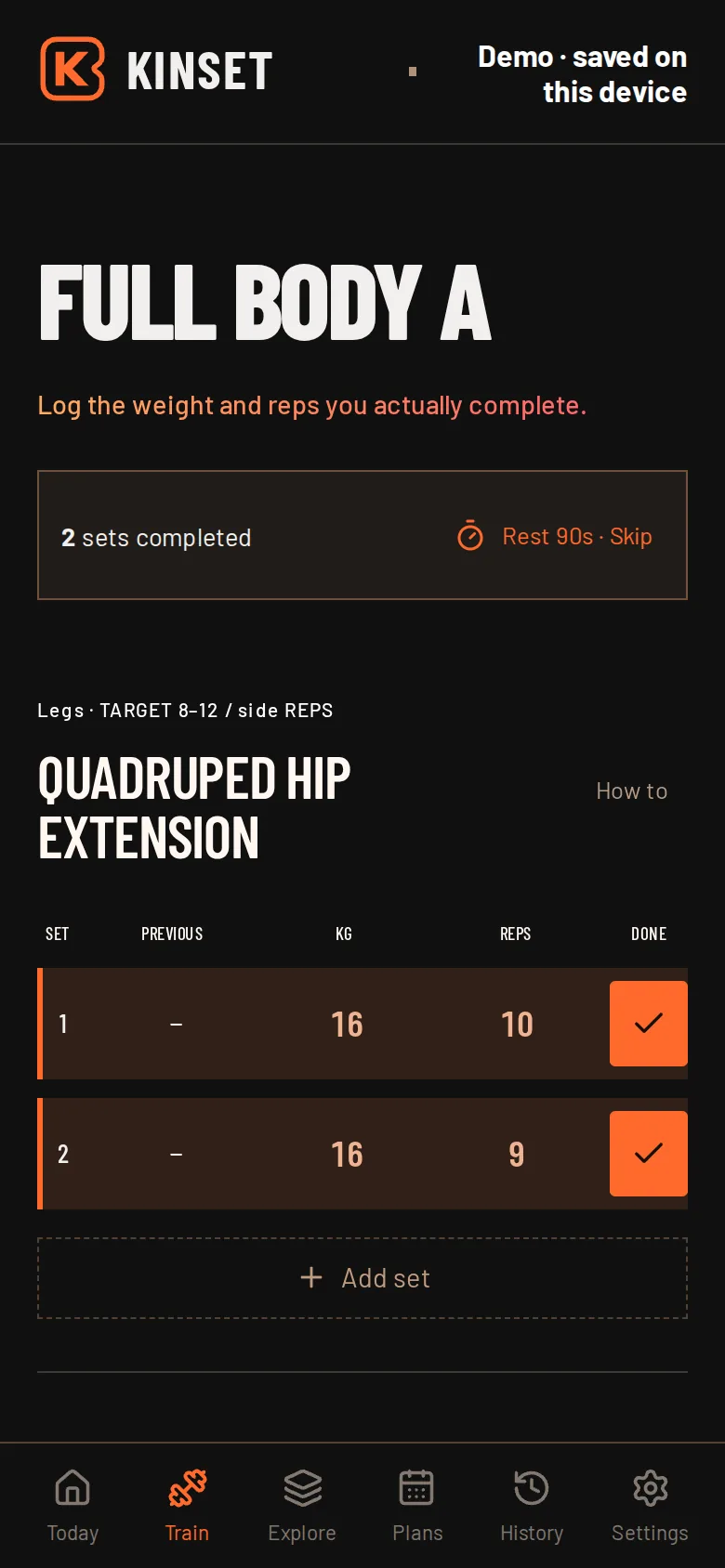
Logging. Previous, weight, reps, done.
Point of view
Loud where it motivates. Quiet where you work.
The welcome and the session panel are posters: charcoal, one vibrant orange, and tall condensed type that reads from across a gym floor. The logging screen is the opposite. Plain rows, big numbers, and a check you can hit without looking twice.
The rule I kept coming back to: if a label has to be tiny to fit, it probably does not need to be there. Decorative captions came out. The words that stayed got bigger.
How it works
Plan. Train. Progress.
01
Plan
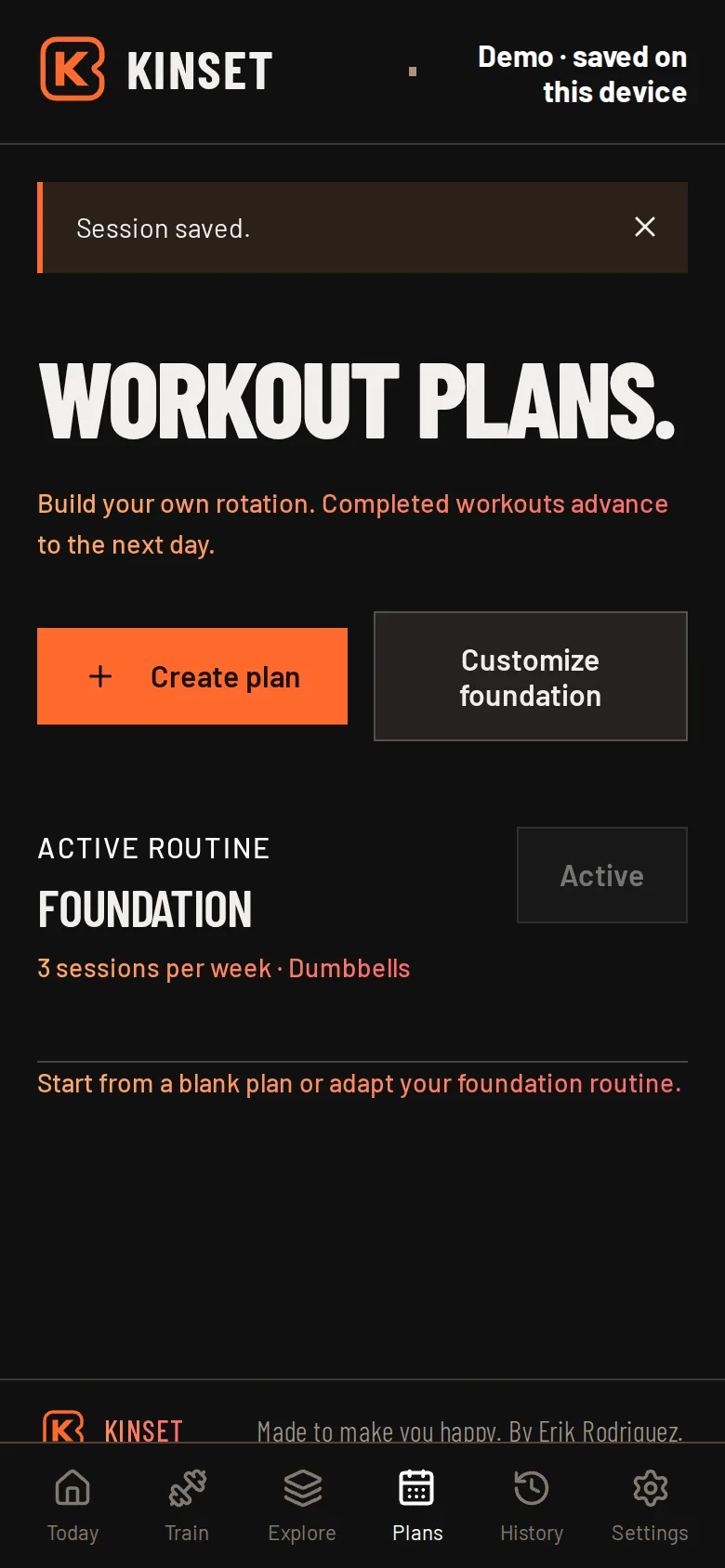
A short setup asks for your goal, how many days you can train, your experience and your equipment, then builds a starting routine to match. Build your own rotation any time; drafts save as you go and each finished workout moves you to the next day.
02
Train
Log set by set with your previous numbers in view. Completing a set starts a 90-second rest timer. Bodyweight work logs as zero, and there are no arbitrary caps on reps.
03
Progress
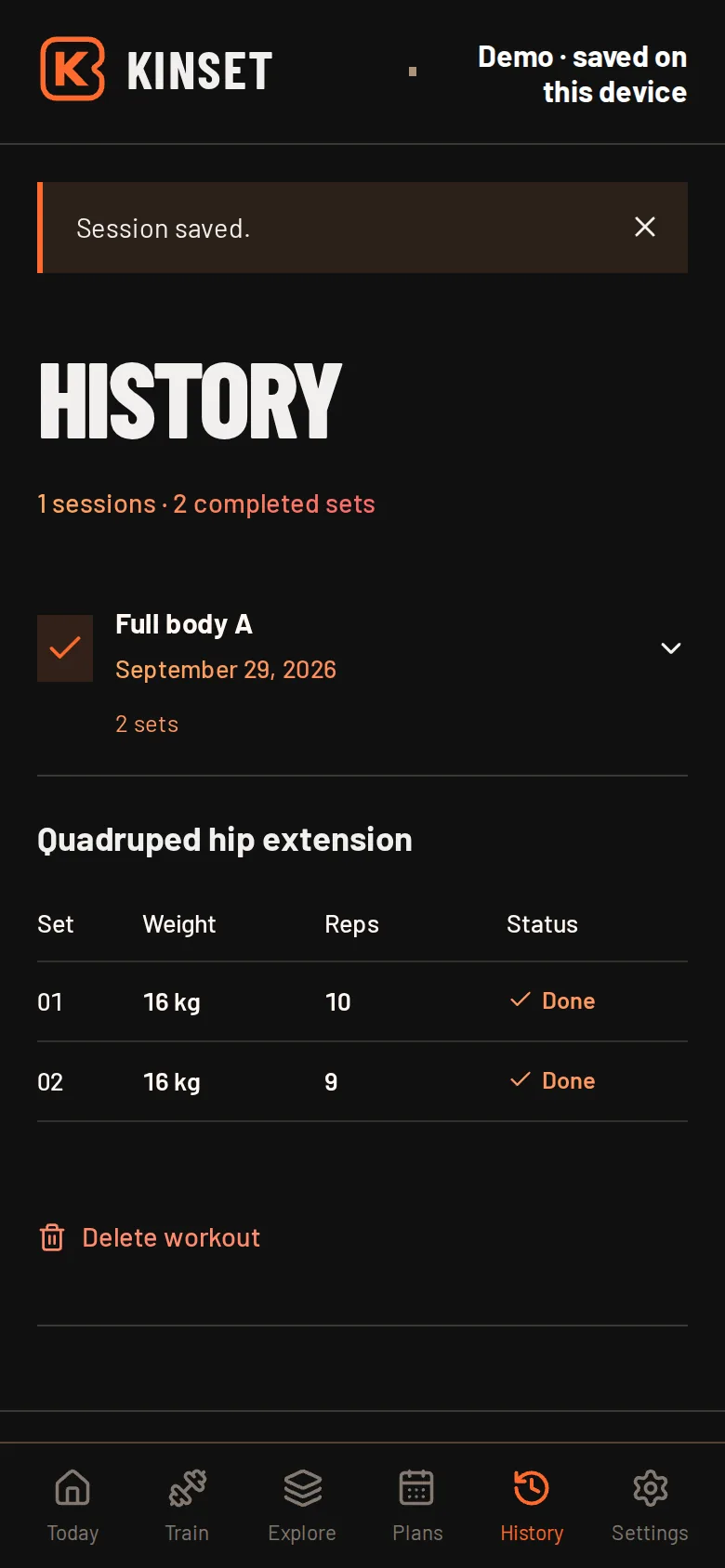
History keeps every set readable, workout by workout. On Today, a weight-plate ring fills as you close out the sessions you planned for the week.
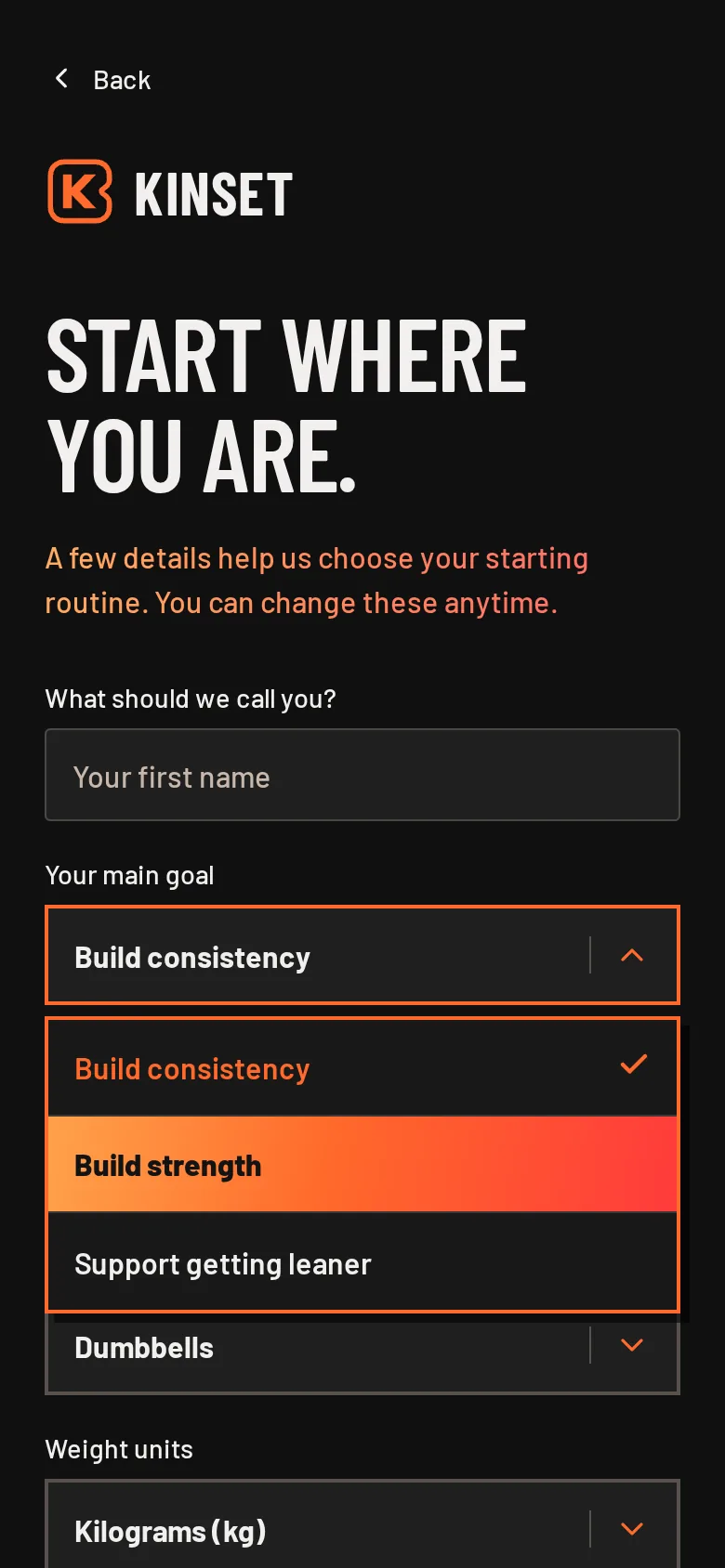
Setup. Custom, keyboard-friendly pickers.
Plans. Start from the foundation or build your own.
History. Every set, still readable weeks later.
Identity
Charcoal, orange and a word stretched tall.
KINSET
Charcoal#141414
Surface#1f1c1a
Kinset orange#ff692b
Warm white#fff7f0
Emphasisorange → red
Show up.
Plan. Train. Progress.
Barlow Condensed at its heaviest for the things that should shout, at its lightest for the things that should not. Barlow for everything you read.
The masthead stretches KINSET vertically and splits it: the orange block ends near the bottom of the letters, so their feet flip to orange on charcoal. The arrow beside the T is not decoration. It is the fastest way into creating an account.
On desktop the poster and the form sit side by side.
Motion
One curve for everything.
Every transition shares the same ease-out curve, with a spring for anything you press. Pages cut in with a 170ms horizontal reveal. Lists stagger in. Completing a set pops the check and flashes the row, so you know it counted without reading anything.
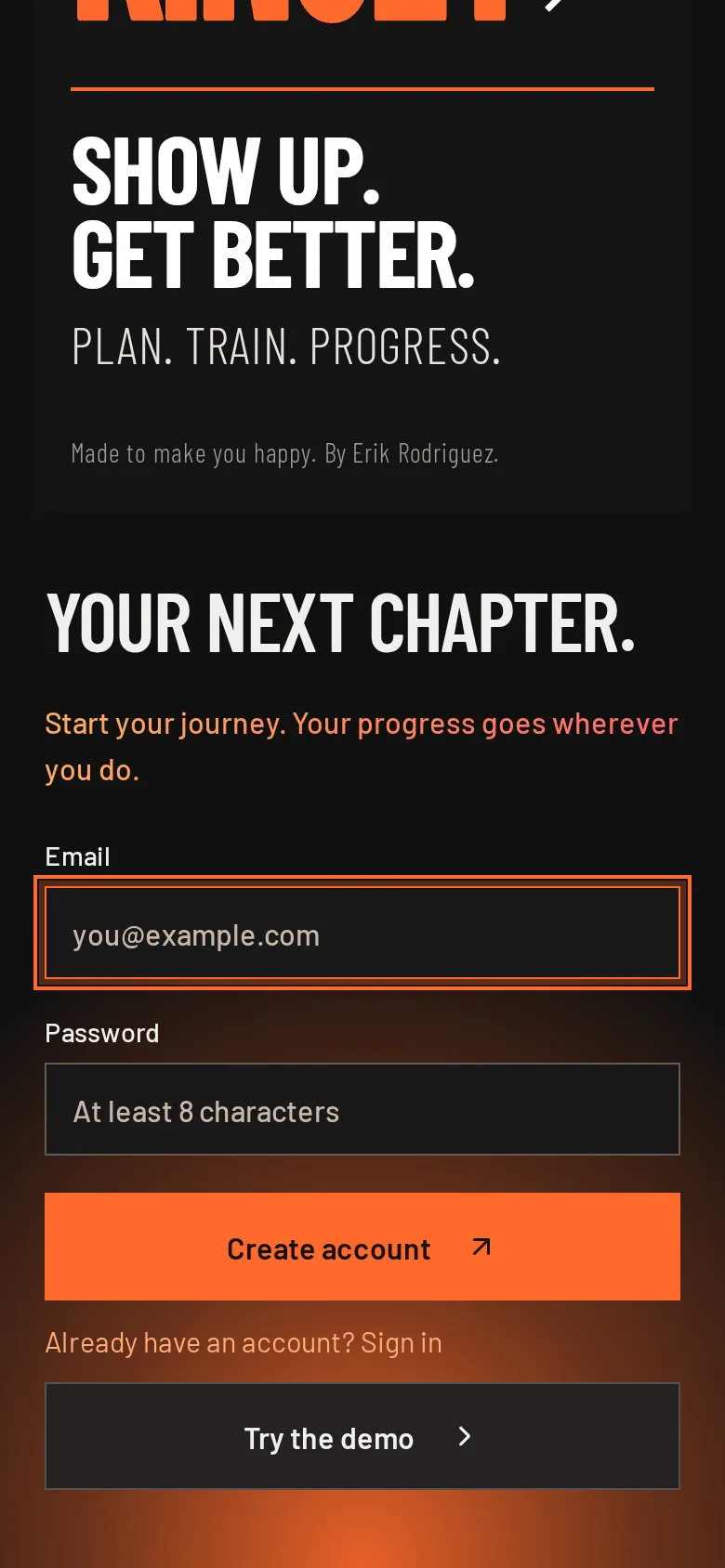
Switching to account creation fades up an orange glow from the bottom of the screen, a clear signal that you are somewhere new. All of it steps aside when a device asks for reduced motion.
Create account. The glow says you are somewhere new.
Under the hood
Works in a basement. Never loses a set.
Workouts save to the device first and the app shell is cached, so Kinset opens and logs without a signal. Signed in, the journal syncs through Supabase with row-level security, so each account can only read its own training.
Every save carries a revision number and the database rejects stale writes. If your phone and laptop disagree, you get a notice instead of a silently overwritten workout. Deleting an account runs in an edge function that verifies the person asking.
Movements carry written guides, and 30 have procedural 3D demos with an anatomy view built on Z-Anatomy and BodyParts3D models. 90 unit tests cover the journal, plans and guides, alongside database checks for account isolation and stale-write rejection.
Decisions
What I chose, and what it cost.
Open signup, no email confirmation
The data is a workout log. A confirmation step cost more momentum than it protected, so accounts open straight into the app. Password reset stays hidden until outgoing email is set up, rather than promising something that would not arrive.
No arbitrary limits
Early builds put arbitrary ceilings on reps. Real training does not care about round numbers, so the caps came out and validation checks only for what is actually wrong.
Custom controls, built accessibly
The branded dropdowns sit on Radix primitives, so keyboard navigation, focus and typeahead work the way people expect, even though nothing looks like a default select.
A demo worth trying twice
Try the demo without an account and Kinset builds a random full body lineup that fits your equipment, favoring movements that have a 3D demo. Every visit shows something new.
What exists today
A working product. An honest boundary.
Kinset is live, open to sign up and installable to a home screen. It is a general fitness journal, not a clinical tool, and it gives no medical advice.
Still ahead: testing with people who train, a professional review of the procedural exercise animations, browser testing of cross-device sync beyond the database checks, and email for account recovery.